


Steps
Follow these steps to ensure the component functions correctly:
- Add a page trigger and choose Mouse move in viewport.
- Select the CTA 38 Image Movement animation.
- Adjust smoothing for the best effect (80-90% recommended).

Note:
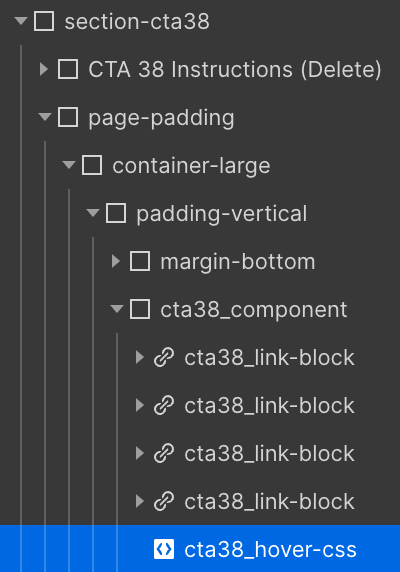
If you rename this component, update the classes in the HTML embed.
lamb end creative co. is a small design house run by a tiny human buzzing with big ideas.
brb.
website under construction. booking now for october 2026 & later.
halifax | nova scotia